
Terraform is an Infrastructure as Code (IaC) tool developed by HashiCorp that enables teams to provision, manage, and version infrastructure using code. Instead of manually configuring resources through graphical interfaces, Terraform automates infrastructure deployment with reusable and declarative configuration files, ensuring consistency, scalability, and repeatability across on-premises and cloud environments.
terraform init -upgrade
terraform fmt
terraform validate
terraform plan -no-color
terraform apply
Do you want to perform these actions?
Terraform will perform the actions described above.
Only ‘yes’ will be accepted to approve.
Enter a value: yes
vsphere_virtual_machine.ubuntu_clone[0]: Creating…
vsphere_virtual_machine.ubuntu_clone[0]: Still creating… [00m10s elapsed]
vsphere_virtual_machine.ubuntu_clone[0]: Still creating… [00m20s elapsed]
vsphere_virtual_machine.ubuntu_clone[0]: Still creating… [00m30s elapsed]
vsphere_virtual_machine.ubuntu_clone[0]: Still creating… [07m20s elapsed]
vsphere_virtual_machine.ubuntu_clone[0]: Still creating… [07m30s elapsed]
vsphere_virtual_machine.ubuntu_clone[0]: Still creating… [09m40s elapsed]
vsphere_virtual_machine.ubuntu_clone[0]: Creation complete after 9m50s [id=422ff752-687f-a7fa-5209-5ced64d35c87]
Apply complete! Resources: 1 added, 0 changed, 0 destroyed.
Outputs:
Plan: 4 to add, 1 to change, 0 to destroy.
Changes to Outputs:
~ ubuntu_clone_names = [
“Ubuntu-From-Template-1”,
+ “Ubuntu-From-Template-2”,
+ “Ubuntu-From-Template-3”,
+ “Ubuntu-From-Template-4”,
+ “Ubuntu-From-Template-5”,
]
Do you want to perform these actions?
Terraform will perform the actions described above.
Only ‘yes’ will be accepted to approve.
Enter a value:
Apply cancelled.
behdad@behdads-MacBook-Air terraform-vsphere %
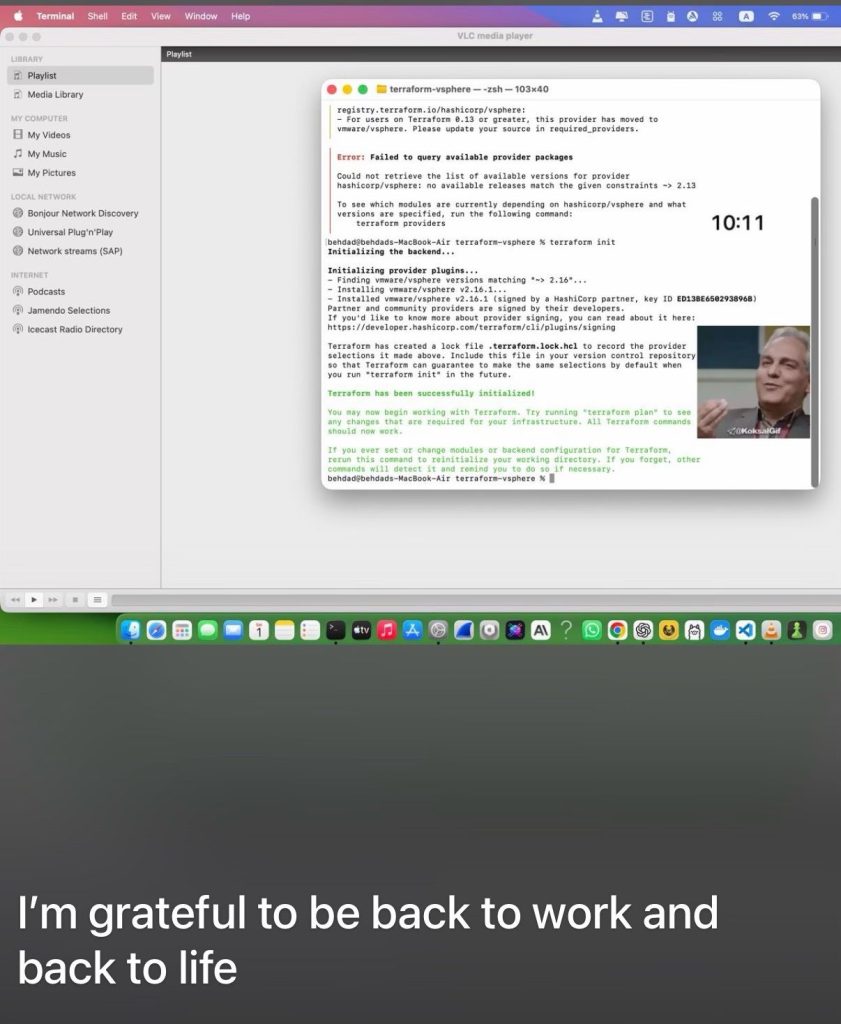
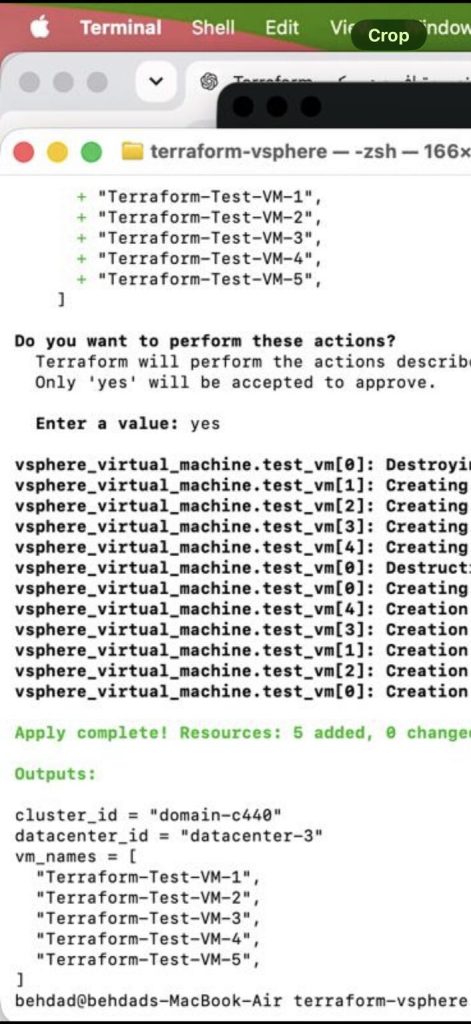
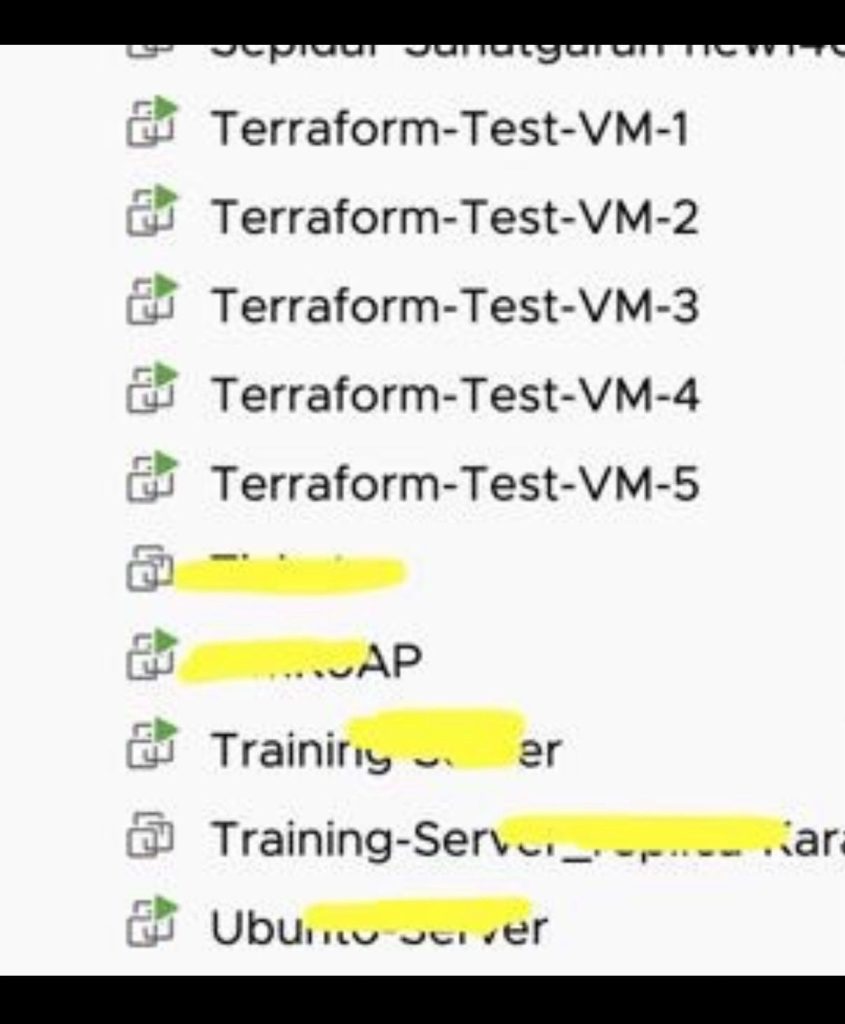
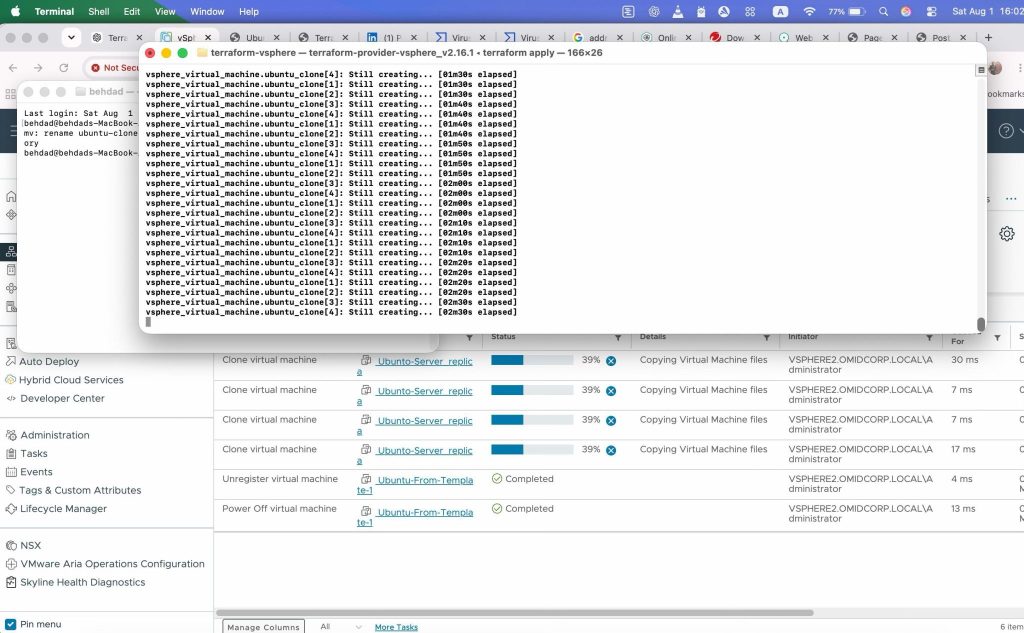
code main.tf
terraform {
required_version = “>= 1.15.0”
required_providers {
vsphere = {
source = “vmware/vsphere”
version = “~> 2.16”
}
}
}
#
Provider
#
provider “vsphere” {
user = var.vcenter_user
password = var.vcenter_password
vsphere_server = var.vcenter_server
allow_unverified_ssl = true
}
#
Variables
#
variable “vcenter_server” {
description = “vCenter IP address or FQDN”
type = string
}
variable “vcenter_user” {
description = “vCenter username”
type = string
}
variable “vcenter_password” {
description = “vCenter password”
type = string
sensitive = true
}
#
Existing vSphere Inventory
#
data “vsphere_datacenter” “dc” {
name = “Behdad-Datacenter”
}
data “vsphere_compute_cluster” “cluster” {
name = “New Cluster2”
datacenter_id = data.vsphere_datacenter.dc.id
}
data “vsphere_datastore” “datastore” {
name = “DataStore-SSD-4T”
datacenter_id = data.vsphere_datacenter.dc.id
}
data “vsphere_network” “network” {
name = “Internal”
datacenter_id = data.vsphere_datacenter.dc.id
}
data “vsphere_resource_pool” “pool” {
name = “${data.vsphere_compute_cluster.cluster.name}/Resources”
datacenter_id = data.vsphere_datacenter.dc.id
}
#
Existing Template
#
Template در vCenter:
Ubunto-Server
#
data “vsphere_virtual_machine” “ubuntu_template” {
name = “Ubunto-Server”
datacenter_id = data.vsphere_datacenter.dc.id
}
#
Create 5 VMs From Template
#
resource “vsphere_virtual_machine” “ubuntu_clone” {
count = 5
name = “Ubuntu-From-Template-${count.index + 1}”
resource_pool_id = data.vsphere_resource_pool.pool.id
datastore_id = data.vsphere_datastore.datastore.id
num_cpus = 2
memory = 4096
guest_id = data.vsphere_virtual_machine.ubuntu_template.guest_id
scsi_type = data.vsphere_virtual_machine.ubuntu_template.scsi_type
firmware = data.vsphere_virtual_machine.ubuntu_template.firmware
network_interface {
network_id = data.vsphere_network.network.id
adapter_type = data.vsphere_virtual_machine.ubuntu_template.network_interface_types[0]
}
disk {
label = “disk0”
size             = data.vsphere_virtual_machine.ubuntu_template.disks[0].size
thin_provisioned = data.vsphere_virtual_machine.ubuntu_template.disks[0].thin_provisioned
eagerly_scrub    = data.vsphere_virtual_machine.ubuntu_template.disks[0].eagerly_scrub
}
clone {
template_uuid = data.vsphere_virtual_machine.ubuntu_template.id
timeout = 60
}
# Terraform منتظر دریافت IP نمیماند.
wait_for_guest_ip_timeout = 0
wait_for_guest_net_timeout = 0
wait_for_guest_net_routable = false
}
#
Outputs
#
output “datacenter_id” {
value = data.vsphere_datacenter.dc.id
}
output “cluster_id” {
value = data.vsphere_compute_cluster.cluster.id
}
output “ubuntu_clone_names” {
value = vsphere_virtual_machine.ubuntu_clone[*].name
}
terraform.tfvars
vcenter_server = “192.168.100.x”
vcenter_user = “administrator@vsphere.x.local”
vcenter_password = “Pass”
terraform fmt
terraform validate
terraform state list
terraform plan -no-color
terraform plan -out=tfplan
terraform apply tfplan